Welcome
 Automate
 Ensure
 Analyze
 Altro
Altro
Imagicle for Microsoft Teams Webinar Series


 Download

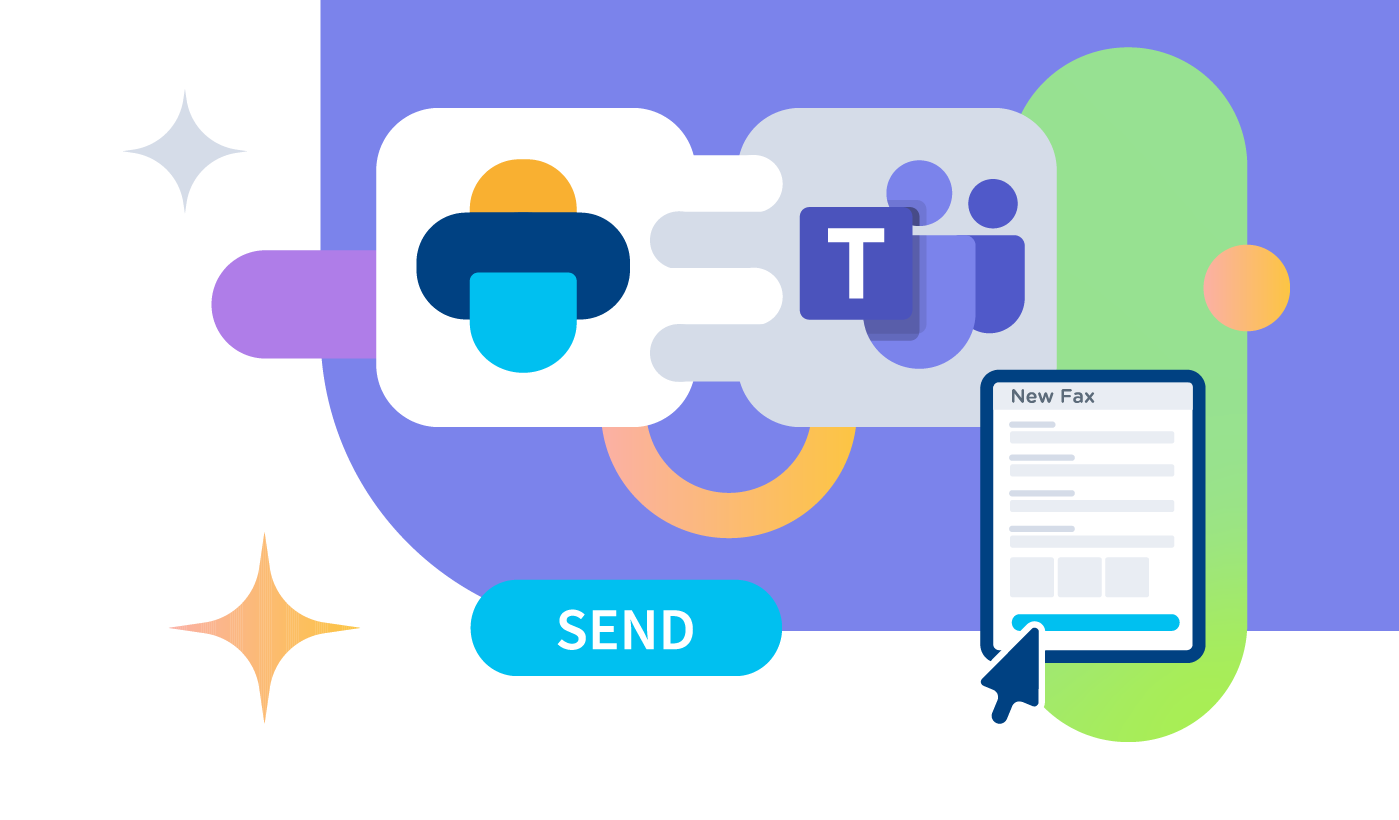
Fax is still embedded in many business processes, it’s legally binding, and people are used to it. Don’t give up on it for paper costs or maintenance: just make it fully digital.
Create, send, receive, and search faxes right from Microsoft Teams with a native-feeling Teams fax app, extending its seamless experience on web and email. Zero toner, hardware, or paper.
Start small or go big: Imagicle Digital Fax scales with your business and centralizes control to streamline workflows and reduce costs.
Imagicle Teams Fax service supports GDPR and HIPAA with password-protected personal faxes, an encrypted archivr, role-based access controls, and more.
Send common business formats (PDF, DOC/X, XLS/X, RTF, BMP, JPG/JPEG, GIF, TIFF) and pick recipients directly from your directories for faster, error-free faxing.
Pre-configured reports (busy channels, volume analysis, fax details) help you optimize capacity and performance. Schedule hourly, daily, weekly, or monthly delivery.
Fax is still embedded in many business processes, it’s legally binding, and people are used to it. Don’t give up on it for paper costs or maintenance: just make it fully digital.
Create, send, receive, and search faxes right from Microsoft Teams with a native-feeling Teams fax app, extending its seamless experience on web and email. Zero toner, hardware, or paper.
Start small or go big: Imagicle Digital Fax scales with your business and centralizes control to streamline workflows and reduce costs.
Imagicle Teams Fax service supports GDPR and HIPAA with password-protected personal faxes, an encrypted archivr, role-based access controls, and more.
Send common business formats (PDF, DOC/X, XLS/X, RTF, BMP, JPG/JPEG, GIF, TIFF) and pick recipients directly from your directories for faster, error-free faxing.
Pre-configured reports (busy channels, volume analysis, fax details) help you optimize capacity and performance. Schedule hourly, daily, weekly, or monthly delivery.
 Download
Download
Download
 Guarda
Guarda
Guarda
 Guarda
Guarda
Guarda
Download
Download
Download
Download
Guarda
Guarda
Guarda
Guarda
Download
Download
Download
Download
Digital fax keeps the binding, official nature of fax without the hardware. It moves faxing to a secure online service accessible from email, the web, and Microsoft Teams. With Teams integration, users send and receive faxes right inside Teams, manage a dedicated fax number, and operate with no analog lines or ATAs. Port existing numbers, scale instantly, and boost security with password protection and encryption while saying goodbye to paper, toner, and maintenance.
With Imagicle, you absolutely can. Our Digital Fax is built to exist inside Teams, allowing to easily send, receive, browse faxes from the client you use all day, minimizing app switching and eliminating hardware.
With Imagicle, it’s possible – the Imagicle UCX Platform offers, among other services, a Teams fax integration, a digital workspace, and a call handling interface all perfectly integrated with Teams.
Thanks to the integrated Imagicle solutions, internal and external Teams calls can be handled from a unified interface where queues, colleagues and contacts list, transfer commands, and more also live. Operators can handle chat requests from multiple channels directly from the Teams client, where they can also fax.
The best part? You get all these features from one vendor, one support, and one experience, making admin and user experience light and smooth.
Imagicle Digital Fax goes beyond “scan-and-send.” It’s a secure, cloud-native fax service that lives where your teams already work (Microsoft Teams, the web, and email) with a unified experience. No legacy machines. Unlimited cloud storage. One place to manage it all. What else makes it more advanced?
Result: faster deployment, lower costs, and a paperless, greener operation.
Digital fax turns a slow, manual, paper process into a secure, automated workflow that integrates with your tools, accelerates approvals, and scales with your business.
Imagicle Digital Fax offers you security by design:
Follow the steps above and you’ll have a defensible, auditable digital-fax archive that aligns with security and compliance best practices while staying simple to run.
The following features let regulated teams (healthcare, finance, public sector) run fax workflows that are encrypted, auditable, and policy-aligned without paper or peripherals.
Imagicle Digital Fax offers all these features, built-in.
Imagicle offers HIPAA compliance thanks to role-based access, log and audit trail, encryption at rest, encryption in access, and more. This extends to other regulations such as GDPR, and the company is also ISO 27001-certified.
Imagicle UCX Platform for Microsoft Teams allows to add a minimum of four Digital Fax channels, including unlimited users. 4 channels means your Digital Fax will handle 4 incoming our outgoing faxes at a time, regardless how many fax numbers should be handled. You’ll also need to integrate the Imagicle UCX Platform with Microsoft Teams Direct Routing/OP-Connect SBC(s). Request a dedicated meeting for more information.
Yes. Imagicle Digital Fax supports Cloud PSTN (Operator Connect) by peering to the provider’s SBC over a secure SIP trunk. Microsoft Calling Plans are not supported as of today. Direct Routing is also supported via your on-prem certified SBC.
Yes, if your SBC/PSTN plan allows international dialing. Use +E.164 formatting and, where needed, your service provider’s breakout prefix; inbound and outbound fax routing are handled over the same SIP trunk. (Teams users can send/receive faxes from the embedded Imagicle App.)
Imagicle Digital Fax allows to automatically add a cover page to each outbound fax transaction. Cover page content is customizable at Corporate, department and personal level. It includes a Company logo and several dynamic fields coming from the ongoing fax delivery, like number of pages, fax recipient, date, time and notes.