Welcome
 Automate
 Ensure
 Analyze
 Autres
 Download
Security
Compliance Recording in 2026: a complete guide


 Download

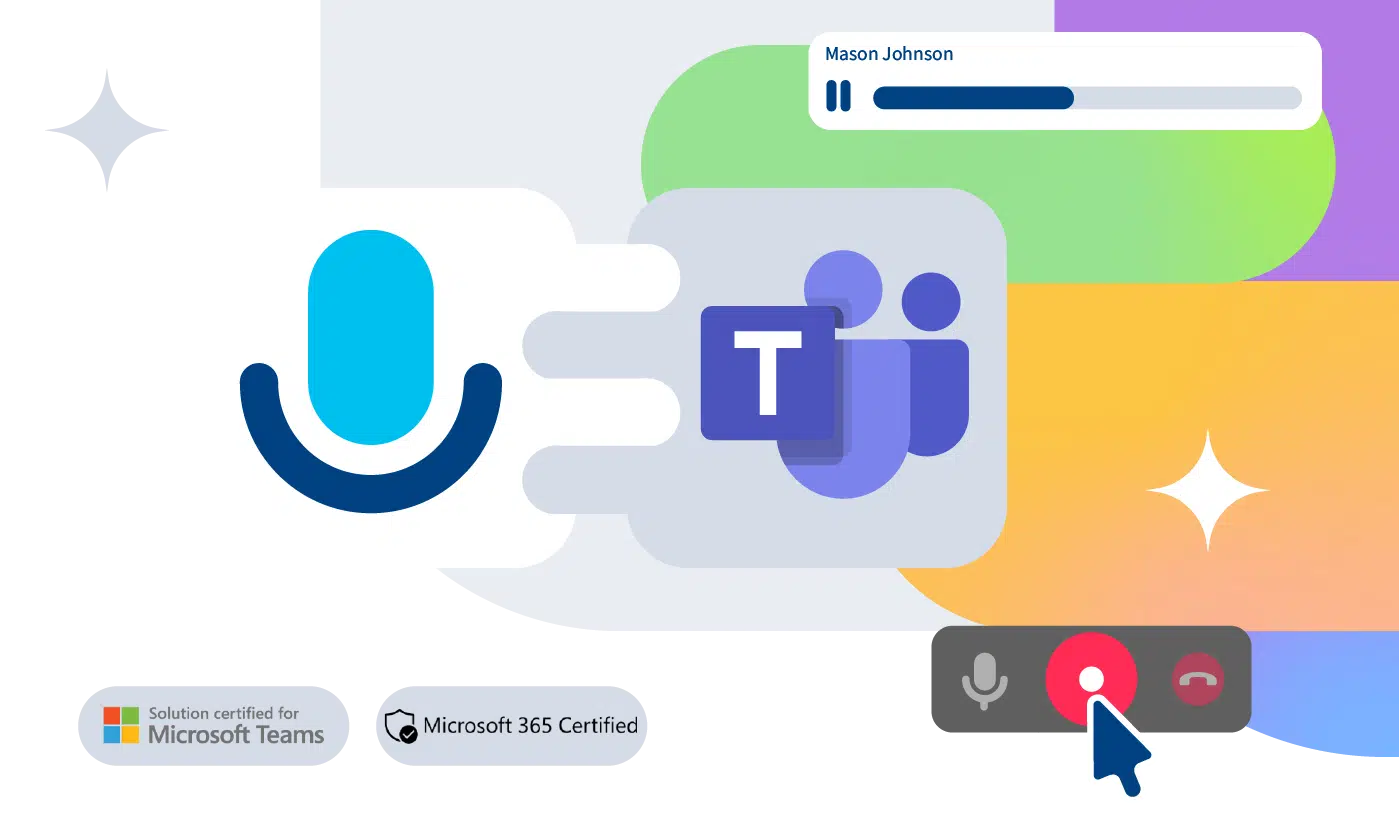
Teams Call Recording supports Always On and On-Demand modes for voice recording - it all depends on your business needs. Set it once, company-wide or differentiated by user, and forget about it. Screen Recording coming soon.
Start, stop, pause, or resume a recording; then browse, listen, or download it right from the Microsoft Teams client you use every day. Prefer a browser? The web interface is also available. That’s Teams voice recording software made simple.
Imagicle's is a Policy-based recording solution certified for Microsoft Teams, ensuring we meet Microsoft’s strict standards for reliability, security, and compliance. It's also available on Microsoft AppSource Marketplace and Azure Marketplace.
Imagicle’s Teams compliance recording is designed to meet regulations such as GDPR, MiFID II, PCI-DSS, and HIPAA. With built-in filters to exclude specific calls or meetings, you gain even more control over regulation adherence.
Need a specific setup? Imagicle’s compliance recording for Microsoft Teams offers the flexibility to deploy directly on your own Azure infrastructure, supporting unique business and security requirements.
With Voice Analytics, our AI-powered Teams voice recording software, you can coach agents effectively and elevate customer experience through transcriptions and sentiment analysis.
Teams Call Recording supports Always On and On-Demand modes for voice recording - it all depends on your business needs. Set it once, company-wide or differentiated by user, and forget about it. Screen Recording coming soon.
Start, stop, pause, or resume a recording; then browse, listen, or download it right from the Microsoft Teams client you use every day. Prefer a browser? The web interface is also available. That’s Teams voice recording software made simple.
Imagicle's is a Policy-based recording solution certified for Microsoft Teams, ensuring we meet Microsoft’s strict standards for reliability, security, and compliance. It's also available on Microsoft AppSource Marketplace and Azure Marketplace.
Imagicle’s Teams compliance recording is designed to meet regulations such as GDPR, MiFID II, PCI-DSS, and HIPAA. With built-in filters to exclude specific calls or meetings, you gain even more control over regulation adherence.
Need a specific setup? Imagicle’s compliance recording for Microsoft Teams offers the flexibility to deploy directly on your own Azure infrastructure, supporting unique business and security requirements.
With Voice Analytics, our AI-powered Teams voice recording software, you can coach agents effectively and elevate customer experience through transcriptions and sentiment analysis.
 Download
Download
Download
Download
Download
Download
Download
 Regarder
Regarder
Regarder
Regarder
Regarder
Download
Download
Download
Download
Regarder
Regarder
Regarder
Regarder
Regarder
Regarder
Download
Download
Download
Download
As per Microsoft’s website, the answer is no: native Teams Call Recording doesn’t offer compliance features on its own. While convenience recordings are user-initiated and stored in OneDrive or SharePoint under your tenant’s controls, compliance recording is policy-based, automatic, and delivered through certified third-party integrations with Teams such as Imagicle. Microsoft states these partner solutions help organizations meet obligations under MiFID II, HIPAA, GDPR, and similar regimes.
Via Microsoft’s Teams Compliance Recording framework using Azure app(s) + bot and per-user Compliance Recording Policies. You create MAIN and PAIR application instances, grant admin consent, create/assign CsTeamsComplianceRecordingPolicy, and pair the apps for redundancy.
Imagicle integrates with Microsoft Teams through Microsoft’s policy-based compliance recording framework: admins assign a Teams recording policy to target users, and a certified Imagicle “recording bot” is automatically and invisibly invited to their calls/meetings to capture media according to policy. The bot uses Microsoft Graph’s cloud communications APIs (including `updateRecordingStatus`) that are expressly designed for compliant capture; Microsoft requires partners to use these APIs for any recording scenario.
Because it’s policy-driven, recording can be assigned to each user in always-on or on-demand mode, with pause/resume, covering any Teams Phone (PSTN) architectures like Calling Plans, Operator Connect or Direct Routing. Imagicle native integration is independent of your PSTN choice and supports media bypass.
Users can trigger and later Search & Play recordings directly inside MS-Teams client (or via a web portal), while compliance officers control retention, access, and audit. Deployment options include Imagicle’s managed cloud service or a self-hosted build in your own Private Azure Cloud. Microsoft documents this third-party model as the supported way to meet regulated obligations (e.g., MiFID II, HIPAA, GDPR) for Teams calls and meetings, and lists policy-based recording as the recommended approach. For product specifics, Microsoft AppSource confirms Imagicle’s Teams-certified, policy-based integration and compliance features.
Yes, Imagicle Call Recording and Contact Center solutions are officially certified for both Security and Compliance and Contact Center, thus granting secure and smooth integration and attesting compliance to the rigid standards imposed by Microsoft for certification.
Yes, by assigning Teams Compliance Recording Policies to selected users, Imagicle records their Teams calls/meetings through the certified integration described above, with recording controls and Search&Play available in the Teams client.
Yes. GDPR requires profiled and secure access to data, traceability of personal information’s access, flexible retention policy, data at rest encryption and pseudonymization, personal data access, editing, and deletion. Imagicle Call Recording provides role-based access, log and audit trail, data retention policy, encryption at rest and encryption in access – fully complying with the regulation’s requirements.
In the context of Microsoft Teams, you can pair Imagicle Call Recording with Voice Analytics for AI-powered recording transcription and voice interaction analysis of local and remote parties in multiple languages with sentiment analysis.
On its own, Imagicle Call Recording provides a dashboard and historical reports on call traffic and volumes with export and scheduling options. By adding Voice Analytics to the picture, you can enjoy an AI-powered dashboard with multilingual searchable transcriptions, sentiment analysis with overall and single speaker’s sentiment trends, advanced filtering, tags, and more.
Voice Analytics automatically transcribes every inbound and outbound recorded call. Powerful search by keywords or tags lets you surface the moments that matter in seconds. Each call is scored for overall, speaker-level, and call segment-level sentiment, so you can assess performance at a glance and review conversations one by one.
From the dashboard, supervisors get up-to-date, easy-to-read insights, with the option to compare any period against a previous one. Filter by team or user groups to track performance trends and keep an accurate, current picture of what’s happening.
Key widgets are:
AI Voice Analytics analyzes every recorded call to turn conversations into actionable insights. Using tags, you can cluster calls into themes (e.g., pricing, delivery, billing, product feedback) to understand how often they occur and how they trend over time. Power search helps you link each theme to the exact call moments for quick review. Supervisors can also set up keyword-based alarms to be immediately notified when a certain word or sentence is spoken and take immediate action or proactively monitor trends. For example, supervisors may detect objection patterns (“too expensive,” “missing feature,” “security concerns”), correlate them with sentiment dips and outcomes, and rank reps by how effectively they handle each objection. All these features allow to make data-driven decisions on the future, i.e. if the word “complaint” is spoken everyday, supervisors can tailor training to agents accordingly.
Voice Analytics can also help identify risky content and gaps such as missing consent/disclosures, sensitive data exposure, off-script claims, or prohibited phrases and trigger alerts.
All insights surface in easy-to-read dashboards alongside overall and speaker sentiment, trends, call volume, and user rankings, with filters by team or timeframe so you can spot issues fast, coach precisely, and improve outcomes.
Sentiment analysis lets you gauge call performance without wading through hours of audio. A streak of negative scores flags where to coach and what techniques to adjust; consistent positive scores confirm what’s working. It also helps uncover churn drivers – often hidden in a handful of unhappy calls – so you can trace issues to specific moments and fix them fast. In short, sentiment turns conversations into signals: what works, what needs work, and what needs a rethink, so supervisors make decisions based on data, not gut feel.
By making sure the per-user policy assignment is correctly placed and leveraging the Imagicle Call Recording on-demand modes or pause/resume controls directly in the Teams client. A configurable black list allows to esclude certain numbers/ranges from being recorded.
Yes. You assign the Compliance Recording Policy per user (Grant-CsTeamsComplianceRecordingPolicy), so you can enable a pilot set and scale by adding users with no downtime required.
Our Azure bot based solution includes a pair of Enterprise applications, so the Imagicle recorder can leverage either Main or Pair Application to trigger recording, granting a full HA at any level.
You can leverage role-based access to make sure only authorized people see relevant recordings. For example, record-only users won’t even have access to their own recordings, basic users can only access their own recordings, and group supervisors can access the recordings of selected users – it’s all in how you set the permissions. You can also leverage announcement option on MS-Teams to make sure recorded contacts are notified they’re being recorded.
Imagicle offers two subscription plans for Teams integration.
Both plans start at a minimum of 5 users. Learn more about pricing on the Microsoft Marketplace.